
One app for the whole shift, on any phone or tablet.
The WOWAPPS app runs on any Android or iOS device your venue already owns. Orders from your website, Google and table QR codes arrive on it. Run out of something or close early and the change goes live straight away, on Google too. No POS needed.
- Any Android or iOS device
- Orders and notifications in one app
- Instant menu and hours changes
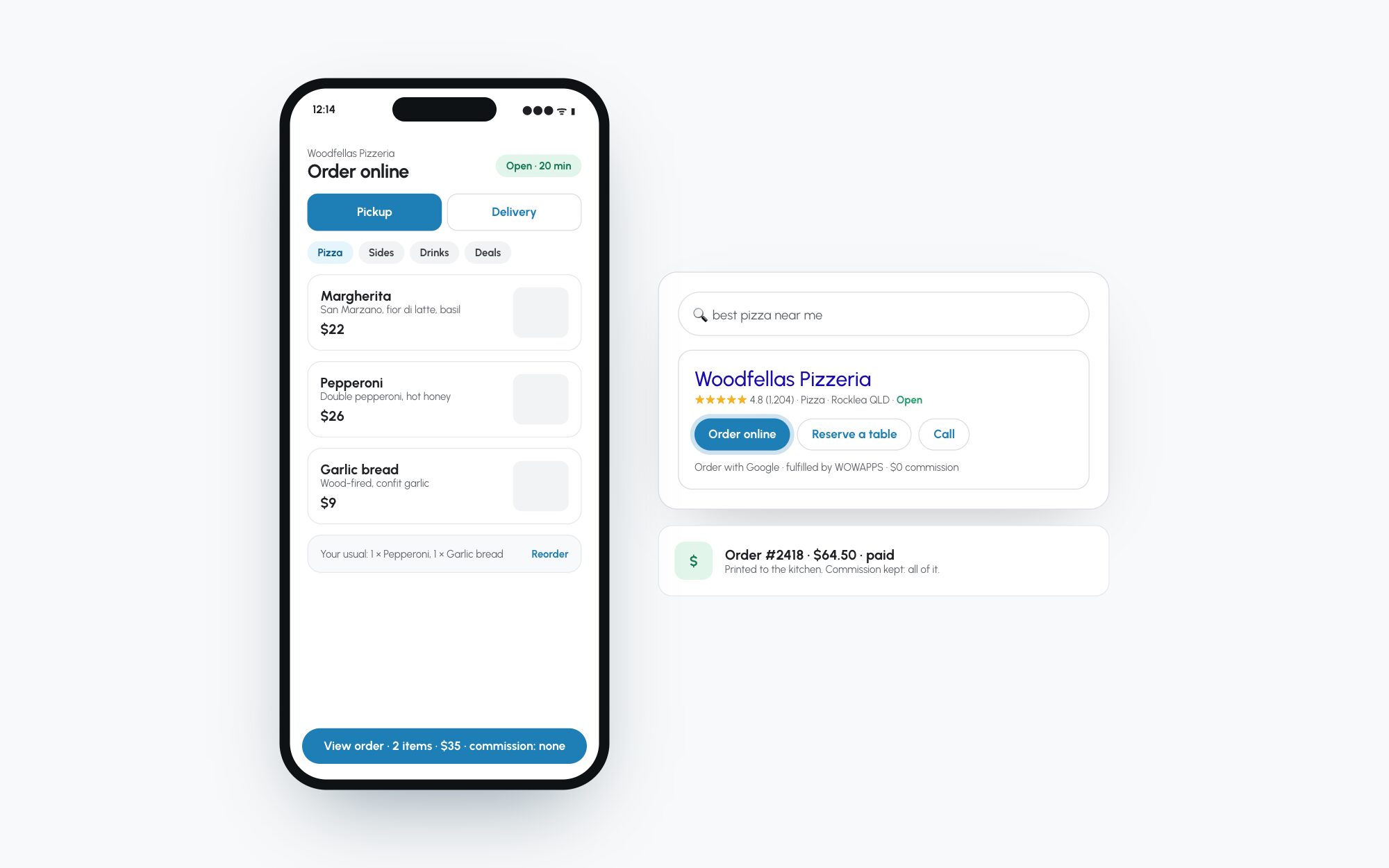
Every order, on the device in your hand
Not using a POS? No stress. The WOWAPPS app and a printer setup work with any computer or mobile device, so there is no expensive hardware to buy before you start.
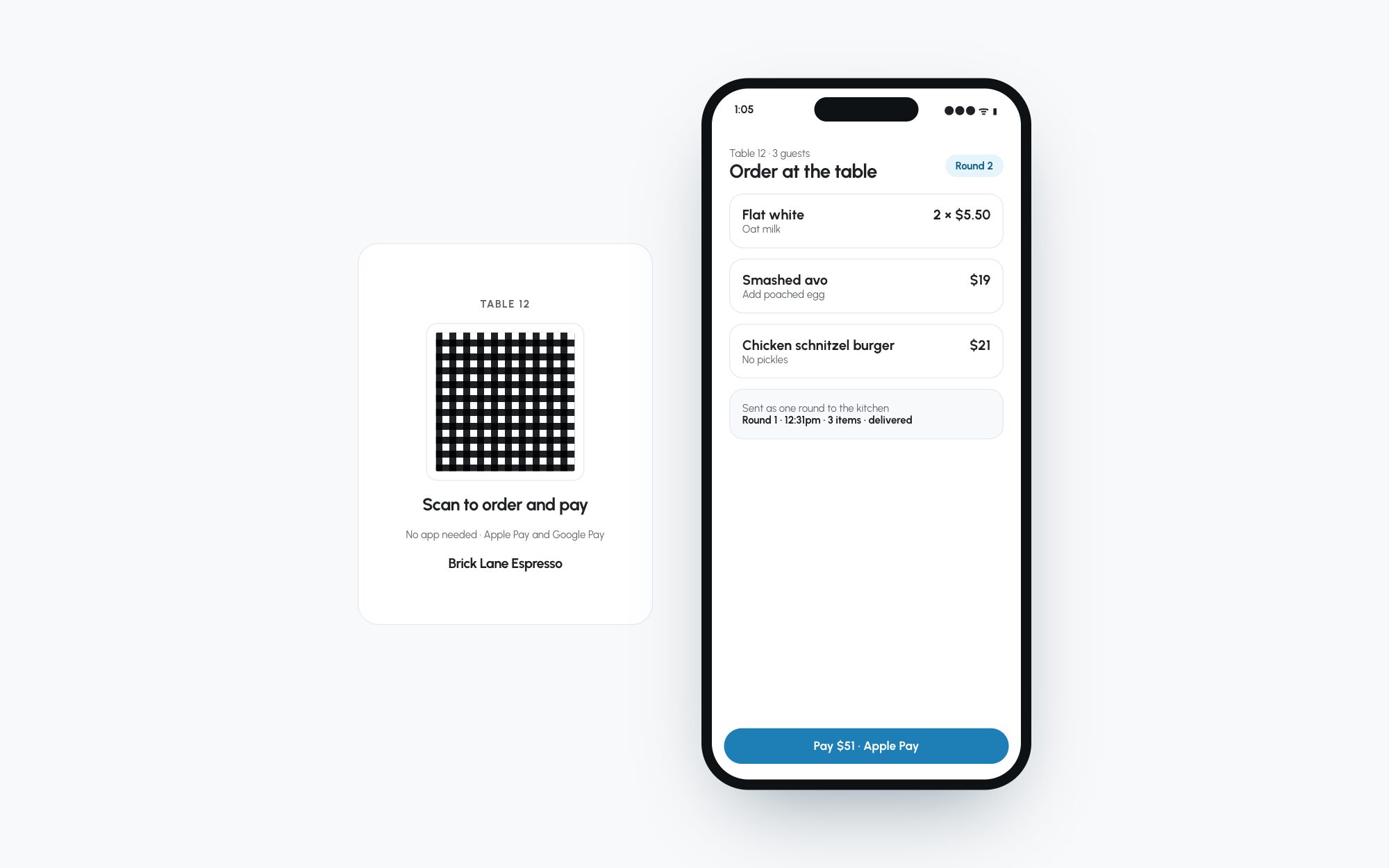
For your guests
- Orders seen fastTheir order is on your screen the moment it arrives.
- Status updatesSMS and email as the order moves along.
- Nothing sold out by surpriseWhat they can order is what you can make right now.
For your venue
- Never miss an orderGoogle, online and table orders notified by app, email, SMS or push.
- Turn off an item or close for the dayThe change is sent to Google as soon as you make it.
- Booking notifications tooEmail, text and push, so you never miss a booking.
- No new hardwareAny Android or iOS device, any computer, plus a printer if you want one.
Everything in the venue app
- Incoming ordersOnline, Google and table orders on one device.
- Instant changesItems off, closed for the day, live straight away.
- NotificationsPush, email and SMS for orders and bookings.
- Printer setupBack-of-house printing without a POS.
- Team toolsTeam management tools for your staff.
- Works with your POSOr without one. Orders can go to both.
Setting up the venue app
Download
The WOWAPPS app on any Android or iOS device your venue already owns.
Choose how orders arrive
App, email, SMS, push or an integrated POS.
Run the shift
See orders as they land and change the menu as the day unfolds.
Questions venues ask us
What devices does the WOWAPPS app run on?
Any Android or iOS device. It also works alongside a computer and printer if you would rather run back of house that way.
What if I run out of an item or need to close early?
Turn it off in WOWAPPS. The change is sent to Google as soon as it is made, so nobody orders what you cannot make.
Do I need a POS to use the app?
No. The app and a printer setup work with any computer or mobile device. If you do have a compatible POS, orders can go there as well.
Does WOWAPPS charge commission on online orders?
No. WOWAPPS describes its online ordering as commission-free.
Where can customers place an order?
Customers can order from your website, social media, your own app and Google. QR code table ordering is also available.
Can customers order from Google Search and Maps?
Yes. The Order with Google integration lets customers order from Google Search and Google Maps.
Do I receive customer data from direct orders?
Yes. WOWAPPS says venues receive the customer data from orders placed through its Google ordering integration.
How do incoming orders reach the venue?
Orders can be sent to an integrated POS, the WOWAPPS app, email, SMS or push notifications, depending on the setup.
What payment options can I offer?
The ordering pages describe cash, credit card, Apple Pay and Google Pay options. For Google orders, venues can offer card payment, payment at pick-up or both.
Can customers place orders in advance?
Yes. WOWAPPS includes pre-ordering, so a venue can accept an order before it is ready to prepare it.
See where your venue stands. Free, in a minute.
Your Google listing, your buttons, your phone coverage and your club, scored against venues nearby. Then a real person with a plan, if you want one.